Best Mobile Games with Cross-Platform Progression: Complete Guide for Android & iOS

Switching between Android and iOS devices shouldn't mean losing your gaming progress. Whether you're upgrading your phone, sharing accounts with family members, or simply prefer gaming on different devices throughout the day, cross-platform progression has become an essential feature for modern mobile gamers. This comprehensive guide identifies the best mobile games that offer seamless account synchronization, cloud save functionality, and unified progression systems across both major mobile platforms.
We've tested dozens of popular mobile games to bring you detailed information about their cross-platform capabilities, account linking procedures, and common troubleshooting solutions. From competitive multiplayer shooters to story-driven RPGs and live-service titles, discover which games truly deliver on the promise of play-anywhere progression.
Understanding Cross-Platform Progression Systems
Cross-platform progression in mobile gaming refers to the ability to maintain your game progress, purchases, and achievements across different devices and operating systems. This functionality relies on cloud-based account systems that store your game data on remote servers rather than locally on your device. When implemented correctly, you can start playing on your Android phone during your morning commute and continue the same session on your iPad at home without missing a beat.

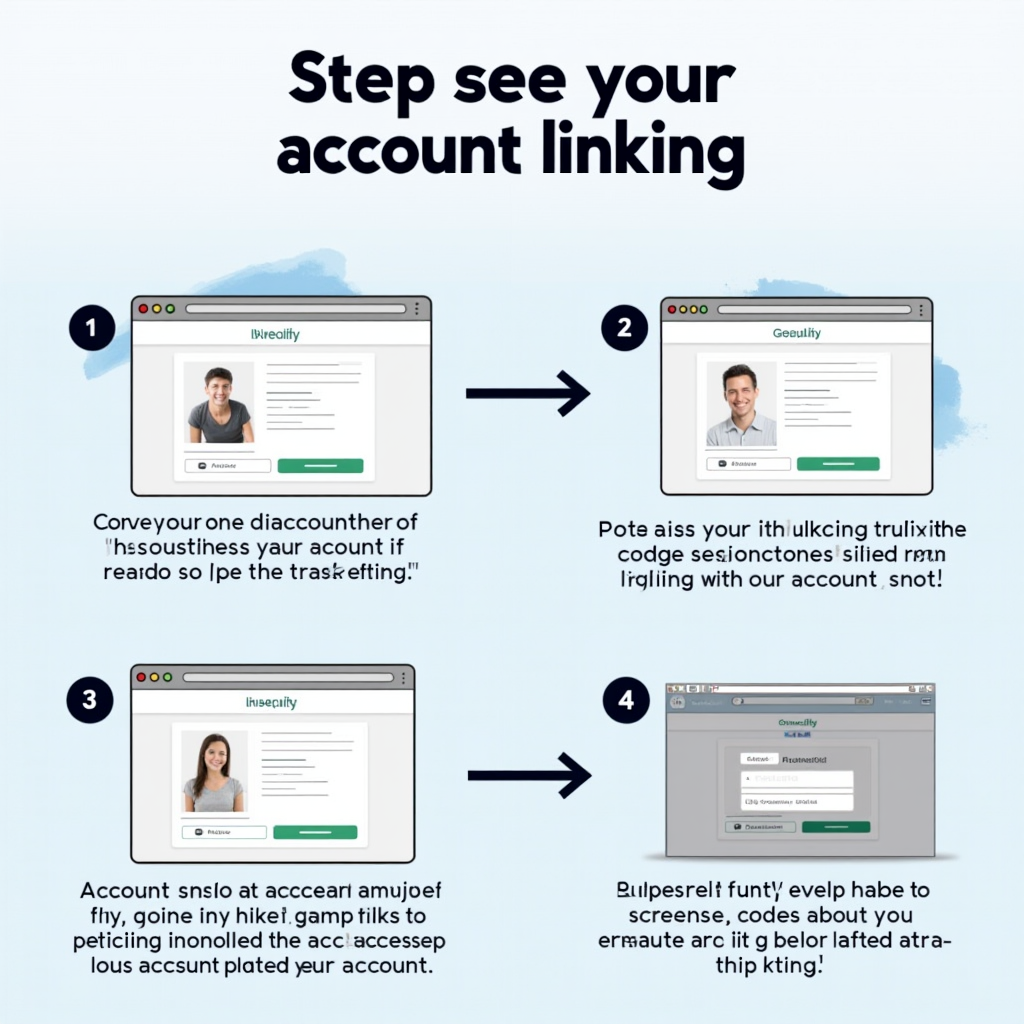
The most reliable cross-platform systems use dedicated account services like Google Play Games, Apple Game Center, Facebook Gaming, or proprietary publisher accounts. These systems authenticate your identity and retrieve your saved data whenever you log in, regardless of which device or platform you're using. However, not all implementations are equal—some games sync instantly while others require manual save uploads, and certain titles may restrict specific features or purchases to their original platform.
Understanding the different types of cross-platform support is crucial before committing significant time or money to a mobile game. Full cross-platform progression means everything transfers—your level, items, currency, and purchases. Partial cross-platform support might sync your progress but not premium currency or platform-specific purchases. Some games offer cross-progression only between mobile platforms while excluding PC or console versions. Always verify the specific capabilities of each game before assuming your progress will transfer seamlessly.
Pro Tip: Before linking accounts, take screenshots of your current progress, inventory, and purchase history. This documentation can be invaluable if you encounter sync issues and need to contact customer support for assistance.
Best Competitive Multiplayer Games with Cross-Platform Support
Competitive multiplayer games benefit immensely from cross-platform progression, allowing players to maintain their rank, unlocked weapons, and cosmetic items regardless of which device they're using. These titles typically feature the most robust account systems since competitive integrity and player investment are paramount to their success.
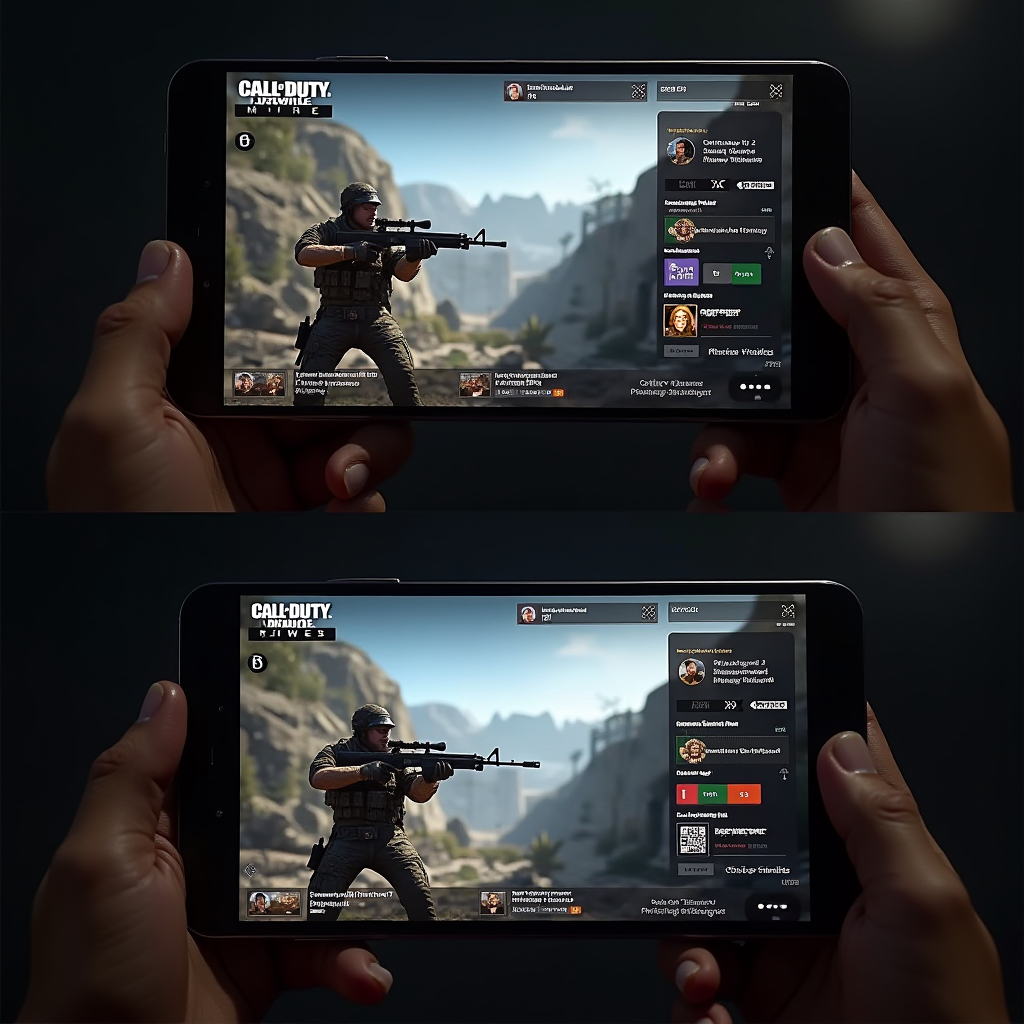
PUBG Mobile
PUBG Mobile offers excellent cross-platform functionality through multiple account binding options. Players can link their accounts via Facebook, Twitter, Google Play, Apple ID, or the dedicated PUBG account system. All gameplay progress, including tier ranking, achievement progress, inventory items, and UC (premium currency) transfers seamlessly between Android and iOS devices.
Account Linking: From the main menu, tap your profile icon, select Settings, then navigate to Account. Choose "Link Account" and select your preferred service. For maximum security, link multiple services to ensure you never lose access to your account. The game automatically syncs after each match, so your progress is always current.
Brawl Stars
Supercell's Brawl Stars uses the Supercell ID system, which provides one of the smoothest cross-platform experiences available. Your trophy count, unlocked brawlers, skins, and gem balance all sync perfectly between devices. The system is particularly user-friendly, requiring only an email address to create a Supercell ID that works across all Supercell games.
Account Linking: Tap Settings (gear icon), select "Supercell ID," then "Log In" or "Register." Enter your email address and verify it through the confirmation code sent to your inbox. Once registered, you can log into the same account on any device by entering your email and verification code.
Other notable competitive multiplayer games with excellent cross-platform support include Mobile Legends: Bang Bang (Moonton account), Arena of Valor (Garena/TiMi account), and Clash Royale (Supercell ID). These titles all offer full progression sync, including ranked status, unlocked characters, and premium currency transfers between Android and iOS platforms.
Story-Driven Adventures and RPGs with Cross-Platform Saves
For narrative-focused games and RPGs, cross-platform progression is essential for players who want to continue their epic journeys across different devices. These games often feature lengthy campaigns, complex character builds, and extensive item collections that make losing progress particularly devastating. Fortunately, many top-tier mobile RPGs now offer robust cloud save systems.
Genshin Impact
miHoYo's open-world RPG offers seamless cross-platform progression not just between mobile devices, but also including PC and PlayStation platforms. Your Adventure Rank, character roster, weapons, artifacts, and story progress all sync through your miHoYo account. The game even supports cross-platform co-op play, allowing Android and iOS users to adventure together.
Linking: Create or log into your miHoYo account through the in-game settings. Note that Genesis Crystals (premium currency) don't transfer between different platform types (mobile/PC/console), but Primogems do.
Honkai: Star Rail
Another miHoYo title, Honkai: Star Rail uses the same account system as Genshin Impact, providing excellent cross-platform functionality. Your Trailblaze Level, character collection, Light Cones, and Relics all sync perfectly between Android and iOS. The turn-based combat system makes it particularly well-suited for switching between devices mid-session.
Linking: Use your miHoYo account credentials in the game settings. The same Genesis Crystal limitation applies, but Stellar Jade transfers freely between mobile platforms.
Raid: Shadow Legends
This popular gacha RPG offers full cross-platform support through Plarium Play accounts. Your champion collection, gear, campaign progress, and arena ranking all sync between devices. The game also supports playing on PC through the Plarium launcher while maintaining the same account, making it one of the most flexible options for RPG enthusiasts.
Account Linking: Create a Plarium account through the game's settings menu or link your existing Facebook or Google account. Once linked, log in with the same credentials on any device to access your progress. The game automatically saves after every battle and menu action.
Diablo Immortal
Blizzard's mobile Diablo entry features comprehensive cross-platform support through Battle.net accounts. Your character levels, gear, Paragon points, and Legendary Gems all sync between Android, iOS, and PC. The game even supports cross-platform multiplayer, allowing you to join the same clan and participate in raids regardless of which device you're using.
Account Linking: Log in with your Battle.net account when first launching the game. If you already have a Battle.net account from other Blizzard games, use those same credentials. Eternal Orbs (premium currency) transfer fully between all platforms, including mobile and PC.
Additional RPGs with strong cross-platform support include AFK Arena (Lilith account), Marvel Strike Force (Facebook/Apple/Google linking), and Final Fantasy VII: Ever Crisis (Square Enix account). These games all maintain your character progression, equipment, and story completion across devices, though some may have restrictions on premium currency transfers.
Live-Service and Gacha Games with Unified Account Systems
Live-service games depend heavily on player retention and engagement, making cross-platform progression a critical feature. These games typically offer daily login rewards, limited-time events, and seasonal content that players don't want to miss regardless of which device they're using. Most modern gacha games now implement robust account systems to accommodate their dedicated player bases.
Fate/Grand Order
Uses transfer codes for account migration between devices. While not automatic cloud sync, the system allows you to move your account between Android and iOS by generating a transfer code and password in the game settings.
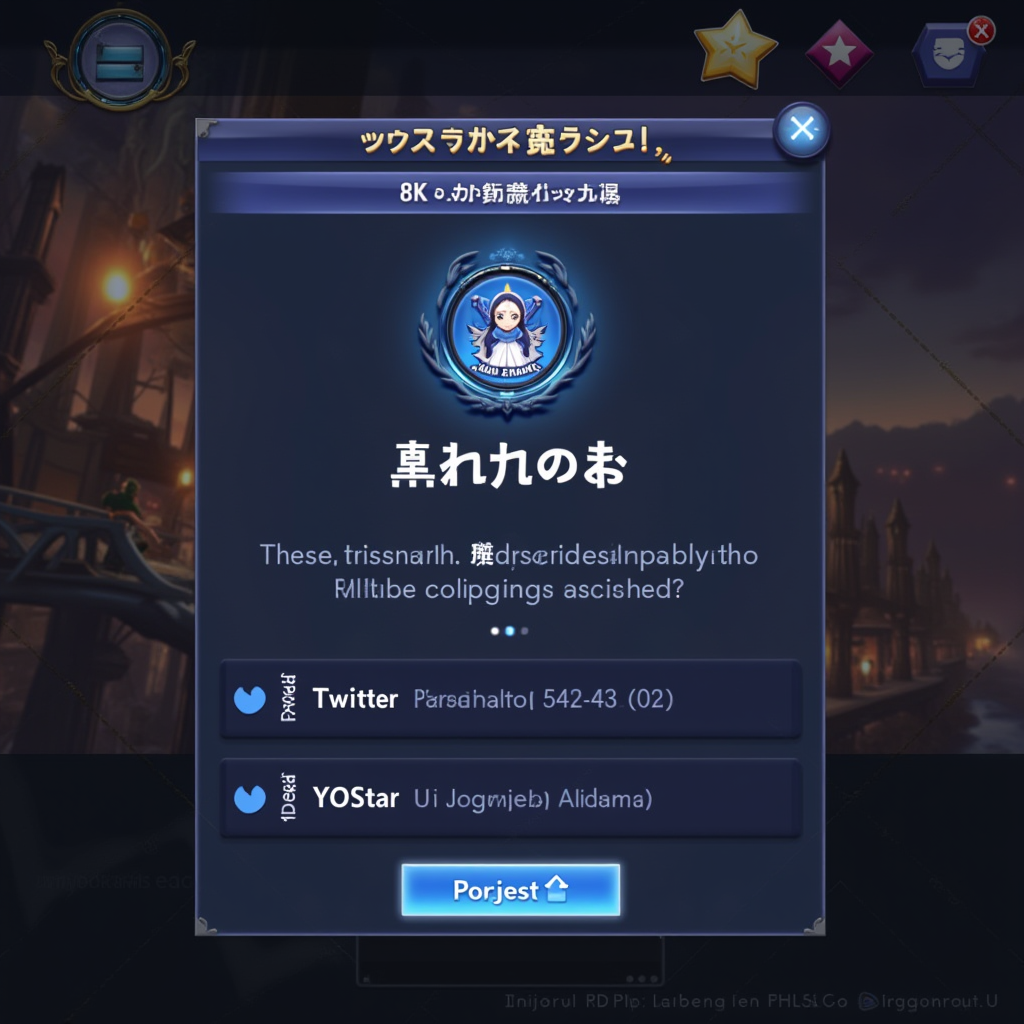
Azur Lane
Offers account binding through Twitter, Facebook, or Yostar accounts. Your ship collection, equipment, and commander level sync automatically once bound. The system works seamlessly between Android and iOS versions.
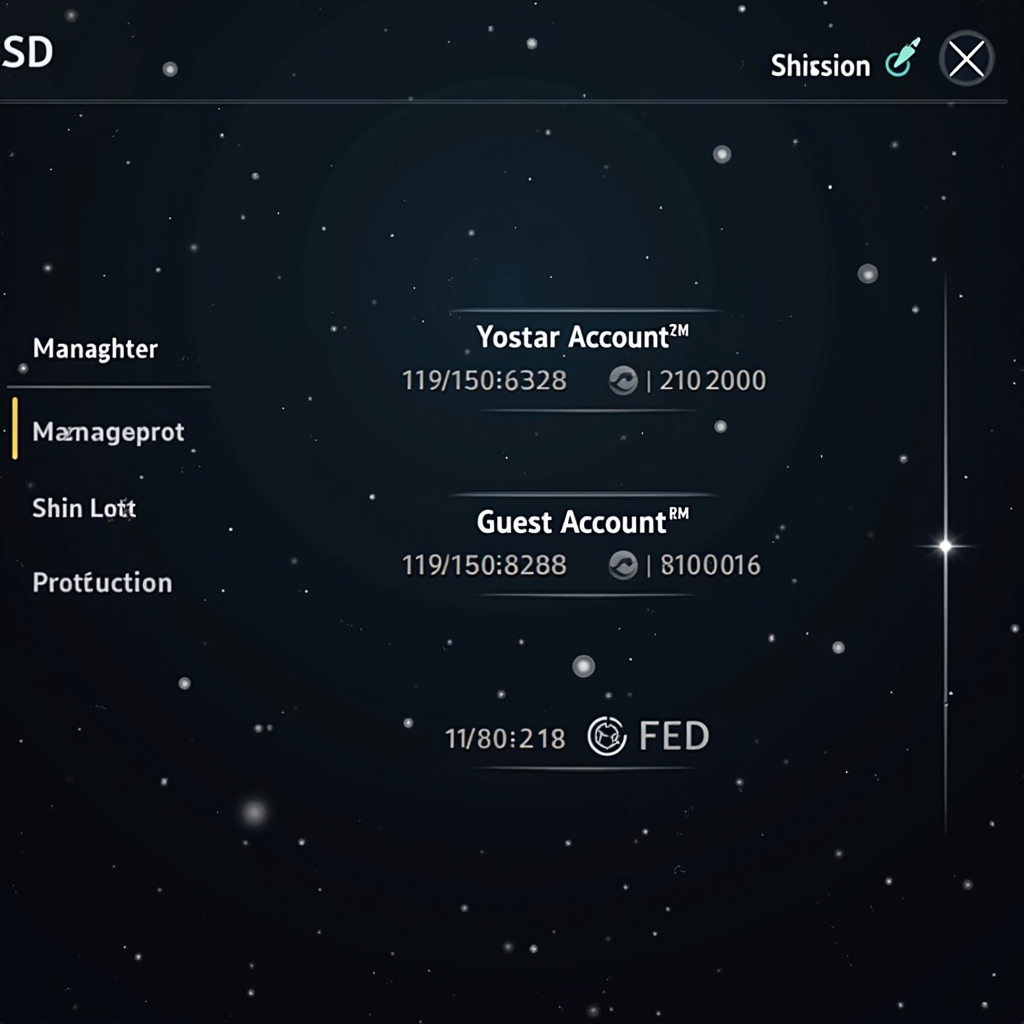
Arknights
Uses Yostar account binding for cross-platform progression. Your operator roster, base development, and story progress all transfer between devices. The game also supports guest account conversion to permanent accounts.
Pokemon GO
Niantic's location-based game offers excellent cross-platform support through multiple login options. You can link your account via Google, Facebook, Apple, or Niantic Kids accounts. Your Pokemon collection, items, buddy progress, and friend list all sync automatically between Android and iOS devices. The game is particularly well-suited for device switching since you might want to use different phones for different situations.
Account Linking: Access Settings from the main map screen, tap "Account," then select "Link Account" to add additional login methods. For maximum security, link multiple services. PokeCoins transfer fully between platforms, and all in-app purchases are available on both Android and iOS.
Marvel Snap
Second Dinner's card battler uses a unified account system that works across mobile and PC platforms. Your card collection, Collection Level, rank, and gold all sync seamlessly. The game's quick match format makes it perfect for switching between devices—you can start a match on your phone and finish it on your tablet without any issues.
Account Linking: The game automatically creates an account when you first play. To ensure cross-platform access, link your account to Facebook, Apple, or Google through the settings menu. Gold purchases transfer between all platforms without restrictions.
Other notable live-service games with cross-platform support include Dragon Ball Legends (Bandai Namco account), One Piece Treasure Cruise (transfer codes), and Granblue Fantasy (Mobage account). While some use less convenient transfer code systems rather than automatic cloud sync, they all allow you to maintain your progress across different devices and platforms.
Step-by-Step Account Linking Instructions
Properly linking your gaming accounts is crucial for ensuring seamless cross-platform progression. While each game has its own specific process, most follow similar patterns. Here's a comprehensive guide to help you link accounts across different types of games and avoid common pitfalls that could result in lost progress.
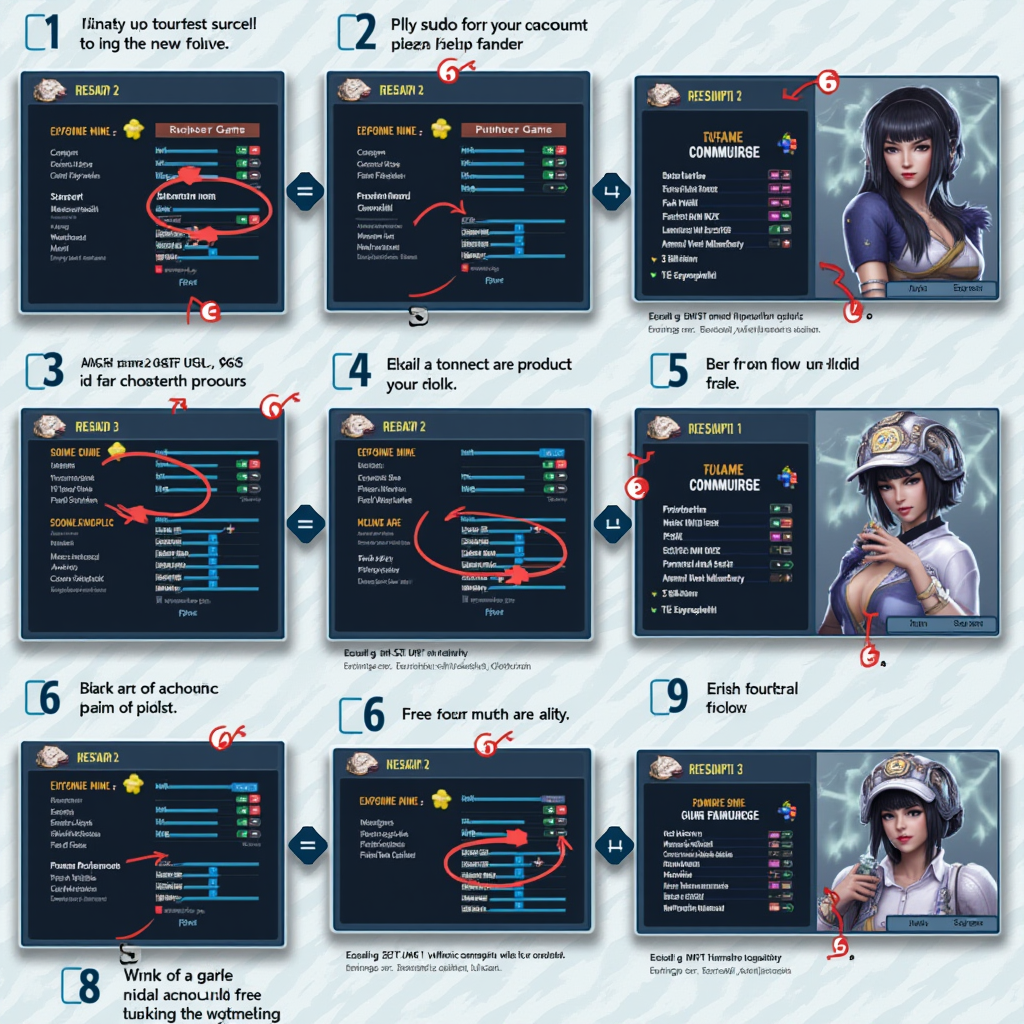
General Account Linking Process
Step 1: Locate Account Settings
Open the game and navigate to the settings menu, usually accessible through a gear icon or hamburger menu. Look for sections labeled "Account," "Profile," "User Center," or "Link Account." Some games place this option in the main menu, while others hide it within sub-menus.
Step 2: Choose Linking Method
Select your preferred account linking service. Common options include Facebook, Google Play Games, Apple Game Center, Twitter, or the game publisher's proprietary account system. For maximum security, consider linking multiple services—this provides backup access if one service becomes unavailable.
Step 3: Authenticate and Authorize
Follow the prompts to log into your chosen service. You may need to authorize the game to access basic profile information. Read the permissions carefully—legitimate games only need basic profile data, not access to your contacts or other sensitive information. Complete any verification steps, such as entering codes sent to your email or phone.
Step 4: Verify Successful Linking
After linking, you should see a confirmation message and your linked account information displayed in the settings. Take a screenshot of this confirmation for your records. Some games send a confirmation email—keep this for future reference. Test the link by logging out and back in using your linked account credentials.
Step 5: Test Cross-Platform Access
Install the game on your second device and log in using the same linked account credentials. Verify that all your progress, items, and purchases appear correctly. Play for a few minutes on the new device, then switch back to your original device to confirm that changes sync properly in both directions.
Platform-Specific Considerations
Google Play Games (Android)
Google Play Games provides automatic cloud save functionality for many games. Ensure you're signed into Google Play Games before launching the game. Some games require manual cloud save uploads—look for a cloud icon or "Save to Cloud" option in the settings. Google Play Games achievements and leaderboards typically sync automatically.
Apple Game Center (iOS)
Game Center integration is built into iOS and iPadOS. Verify that Game Center is enabled in your device settings (Settings > Game Center). Some games use iCloud for save data instead of or in addition to Game Center. Check both options in the game's settings to ensure proper synchronization.
Social Media Linking (Facebook, Twitter, Apple ID)
Social media accounts provide cross-platform linking that works on both Android and iOS. These are often the most reliable option for games that don't have their own account systems. However, be aware that if you lose access to your social media account, you may also lose access to your game progress. Always link multiple services when possible.
Troubleshooting Common Cross-Platform Sync Issues
Even with properly linked accounts, you may occasionally encounter synchronization problems. Understanding common issues and their solutions can save you hours of frustration and prevent potential progress loss. Here are the most frequent problems players face and detailed solutions for each scenario.
Progress Not Syncing
If your progress isn't appearing on a new device, first verify you're logged into the correct account. Check the account information in settings to ensure it matches your original device. Force close the app completely and relaunch it—many games only sync on startup.
Solution: Ensure stable internet connection, manually trigger cloud save upload on original device, wait 5-10 minutes, then download save on new device.
Duplicate Accounts Created
Starting a game on a new device without logging in first often creates a new guest account instead of accessing your existing progress. This is one of the most common mistakes that leads to lost progress and confusion.
Solution: Don't play as guest. Immediately access settings and log in with your linked account before making any progress on the new device.
Premium Currency Missing
Some games restrict premium currency to the platform where it was purchased. This is particularly common in games that also have PC or console versions. The currency exists in your account but may only be visible and spendable on the original purchase platform.
Solution: Check game's FAQ for currency transfer policies. Some games have separate currency pools per platform, while others convert to universal currency.
Delayed Synchronization
Cloud saves don't always sync instantly. Some games only upload saves at specific intervals or when you manually trigger the sync. Playing on multiple devices simultaneously can cause conflicts where the most recent save overwrites older progress.
Solution: Always fully close the game on one device before opening on another. Wait for sync confirmation messages before switching devices.
Advanced Troubleshooting Steps
- Clear Cache: Go to your device's app settings and clear the game's cache (not data). This often resolves sync conflicts without deleting your progress.
- Reinstall the App: As a last resort, uninstall and reinstall the game. Make absolutely certain your account is properly linked before doing this, and take screenshots of your account information.
- Check Server Status: Visit the game's official social media or website to verify servers are operational. Sync issues often occur during maintenance periods.
- Update the App: Ensure you're running the latest version on both devices. Outdated versions may have compatibility issues with cloud save systems.
- Contact Support: If problems persist, contact the game's customer support with your account details, screenshots, and a clear description of the issue. Include your device models and OS versions.
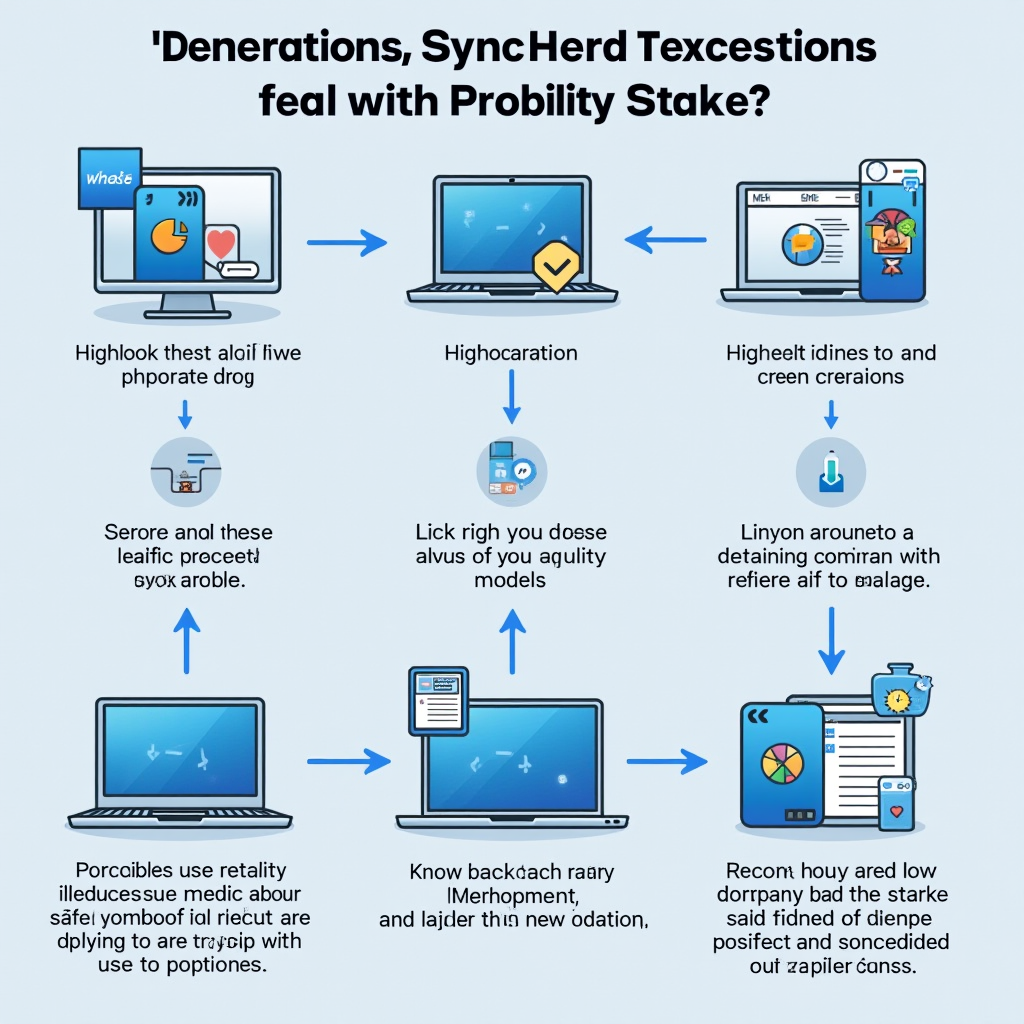
Making the Most of Cross-Platform Gaming
Cross-platform progression has transformed mobile gaming from a device-locked experience into a truly flexible entertainment medium. The games highlighted in this guide represent the best implementations of cloud save technology, unified account systems, and seamless synchronization across Android and iOS platforms. Whether you're a competitive multiplayer enthusiast, an RPG completionist, or a casual puzzle solver, these titles ensure your progress follows you wherever you go.
When choosing new mobile games to invest your time in, prioritize titles with robust cross-platform support. Look for games that use established account systems like Google Play Games, Apple Game Center, or reputable publisher accounts. Read user reviews specifically mentioning cross-platform functionality, as this feature can make or break your long-term enjoyment of a game. Don't hesitate to test the sync functionality early—play for a short time on one device, then verify everything transfers correctly to another device before making significant progress or purchases.
Remember that cross-platform gaming is an evolving landscape. Developers continually improve their synchronization systems, and new games regularly launch with better cross-platform features than their predecessors. Stay informed about updates to your favorite games, as publishers often add or enhance cross-platform functionality in major updates. By following the account linking procedures and troubleshooting tips outlined in this guide, you'll be well-equipped to enjoy seamless gaming experiences across all your devices.
The future of mobile gaming is platform-agnostic, and with the right games and proper account management, you can enjoy your favorite titles anytime, anywhere, on any device. Happy gaming across all your screens!